> ## Documentation Index
> Fetch the complete documentation index at: https://cometchat-22654f5b-design-linden-theme.mintlify.site/llms.txt
> Use this file to discover all available pages before exploring further.
# Overview
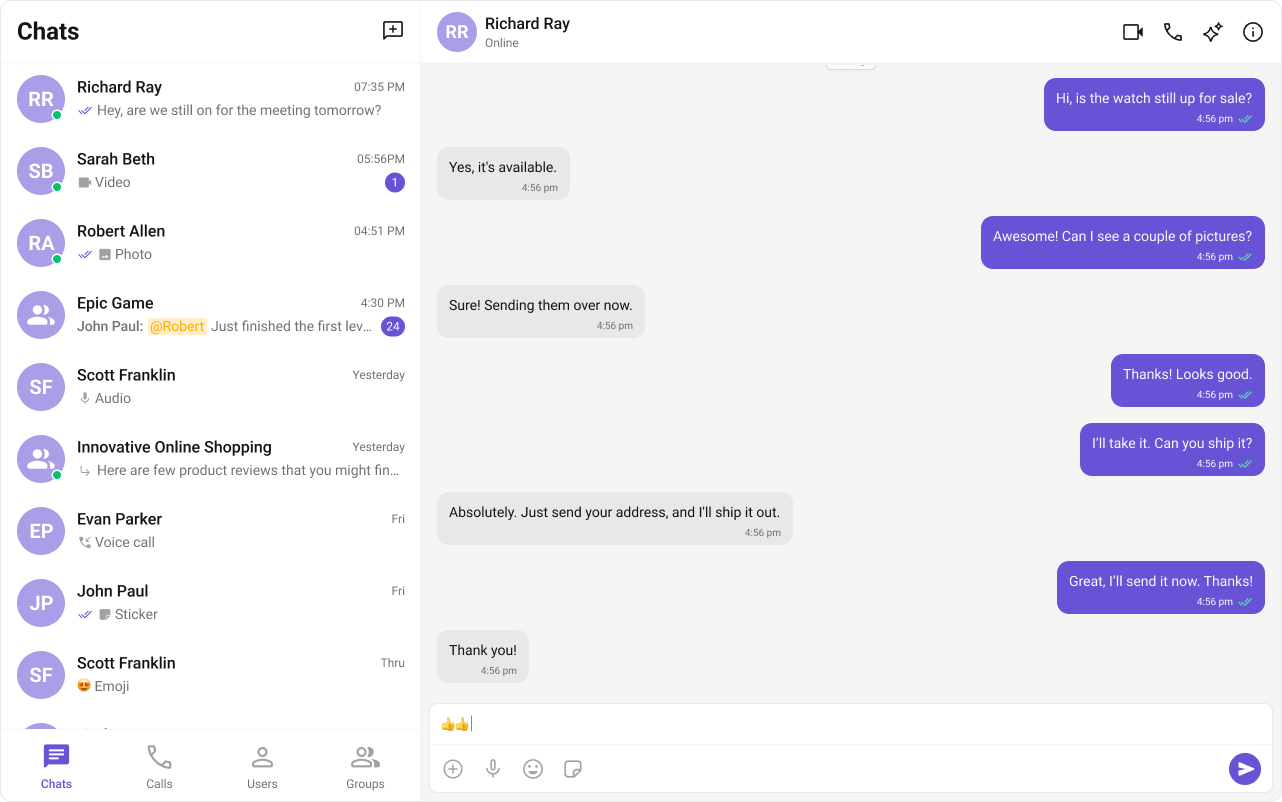
With CometChat's **UI Kit** for React, you can effortlessly build a chat app equipped with all the essential messaging features, along with customizable options tailored to your application requirements. This **UI Kit** comprises of prebuilt UI components organized into smaller modules and components, each configurable to meet your specific needs.
 ***
### **Before Getting Started**
Before you begin, it's essential to grasp the fundamental concepts and features offered by CometChat's APIs, SDK, and UI Kit. You can find detailed information in [Key Concepts](/docs/fundamentals/key-concepts) documentation.
The React UI Kit offers pre-built components for easy integration into React applications, built on top of the [JavaScript Chat SDK](/docs/sdk/javascript/overview) Installing it also includes the core SDK functionalities.
To begin, please follow the [Getting Started](/docs/ui-kit/react/v5/integration) guide.
### Quick Links
Ready-to-use app examples to kickstart your project.
Access the complete source code on GitHub.
Design resources for UI customization and prototyping.
***
### **Before Getting Started**
Before you begin, it's essential to grasp the fundamental concepts and features offered by CometChat's APIs, SDK, and UI Kit. You can find detailed information in [Key Concepts](/docs/fundamentals/key-concepts) documentation.
The React UI Kit offers pre-built components for easy integration into React applications, built on top of the [JavaScript Chat SDK](/docs/sdk/javascript/overview) Installing it also includes the core SDK functionalities.
To begin, please follow the [Getting Started](/docs/ui-kit/react/v5/integration) guide.
### Quick Links
Ready-to-use app examples to kickstart your project.
Access the complete source code on GitHub.
Design resources for UI customization and prototyping.